One canvas orchestrating your entire design stack.
Wire Revit, AutoCAD, Bluebeam, and Navisworks into a single visual pipeline. Claude reads, filters, and acts on real project data across every one of them — no custom integration code, no manual handoffs.
Coordination happens by hand — every week, every project.
BIM and VDC teams manually shuttle data between a Navisworks clash report, a Bluebeam markup, a Revit model, and an Outlook status email or Excel tracker. Each handoff is manual, repeated on every active project, and easy to get wrong.
Every export, every markup, every email typed and copied by hand between tools that don't talk to each other.
The same coordination loop runs again on every active project, with no memory of how it went the last time.
A missed field or a stale export slips through, and nobody notices until it shows up on site.
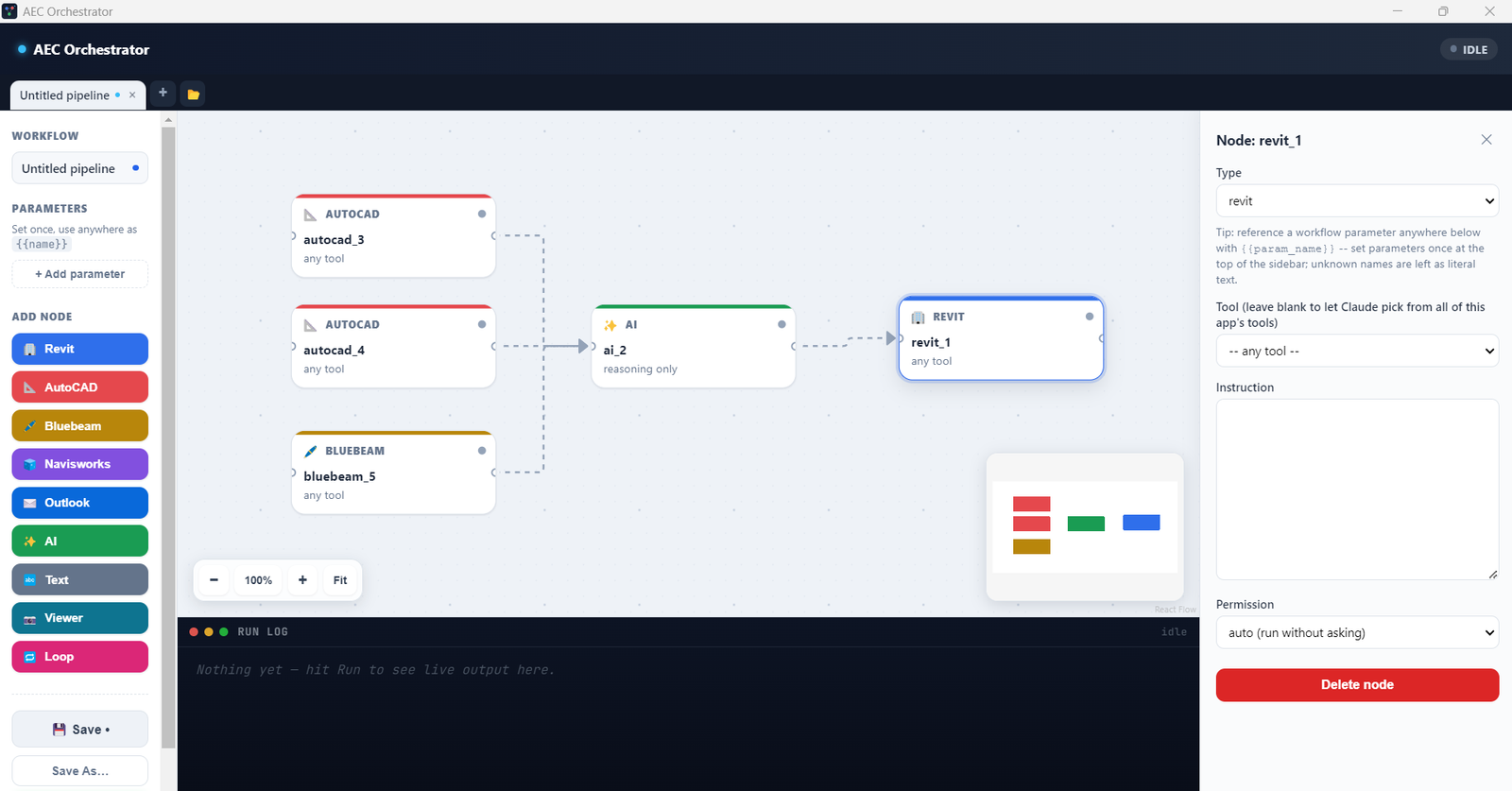
Build a pipeline. Each node is one app.
Each node runs one scoped call — just that app's tools, plus your instruction for what to extract or push. Anything that writes into a live model waits for your confirmation, by default.
Built for teams already running Revit, Navisworks, and Bluebeam together.
General contractors and MEP or structural firms running clash detection and coordination across Revit, Navisworks, and Bluebeam. Your weekly workflow is exactly the pipeline this automates.
Running the same coordination workflow across many client projects — a saved pipeline pays off again on every new one.
The hard part of AEC integration was always the connectors — the .NET add-ins, the OAuth, the platform APIs. That part is already solved. What's left is orchestration.
Run one real workflow. Free.
We're onboarding a small number of design partners to run a real internal pipeline on real project data — free access and hands-on setup, in exchange for feedback and a case study if it works.